
Zombie Derby 2
Zombie Derby 2 mixes driving, fuel management, and mounted guns; upgrade engine, armor, weapons, fuel, and nitro to clear zombie-packed routes.
- Free to play
- Play in browser
- No download needed
- Mobile & desktop & Tablet
- No sign-up
- Fullscreen
Hot Games
Steal a Brainrot
Survive Lava for Brainrots
Lucky Brainrot Blocks Online

Plants vs Brainrots

Plants vs Brainrots Wiki
Garden Horizons
Find the Brainrot
Car Chaos
Orbit Kick

Italian Brainrot Baby Clicker

Brainrot Mega Parkour

Dress to Impress

Snow Rider
Lucky Brainrot Blocks Online
Run for Brainrots
Speed Escape for Brainrots
Swing Obby for Brainrots
Cut Grass for Brainrots

Goo Goo Gaga Clicker

What is Zombie Derby 2?
Zombie Derby 2 is a drive-and-smash runner where fuel economy, armor, and gun timing decide how far you get. Campaign, Extreme, seasonal, and Survival modes tweak goals, but every run hinges on balancing engine, armor, weapons, fuel, and nitro.
How to Play Zombie Derby 2
1) Drive with WASD/arrows; space fires guns, Shift/N triggers nitro. On touch, use throttle/arrow/target/nitro buttons.
2) Burst fire at zombie clusters and explosive canisters—don’t hold the trigger and waste fuel.
3) Upgrade in this order for early runs: fuel, engine, weapons, then armor/nitro; adjust based on map difficulty.
4) Keep momentum on hills to save fuel, and time nitro for steep climbs or dense hordes.
5) In Survival, prioritize fuel efficiency and armor; in campaign/Extreme, spend more on guns to clear objectives faster.
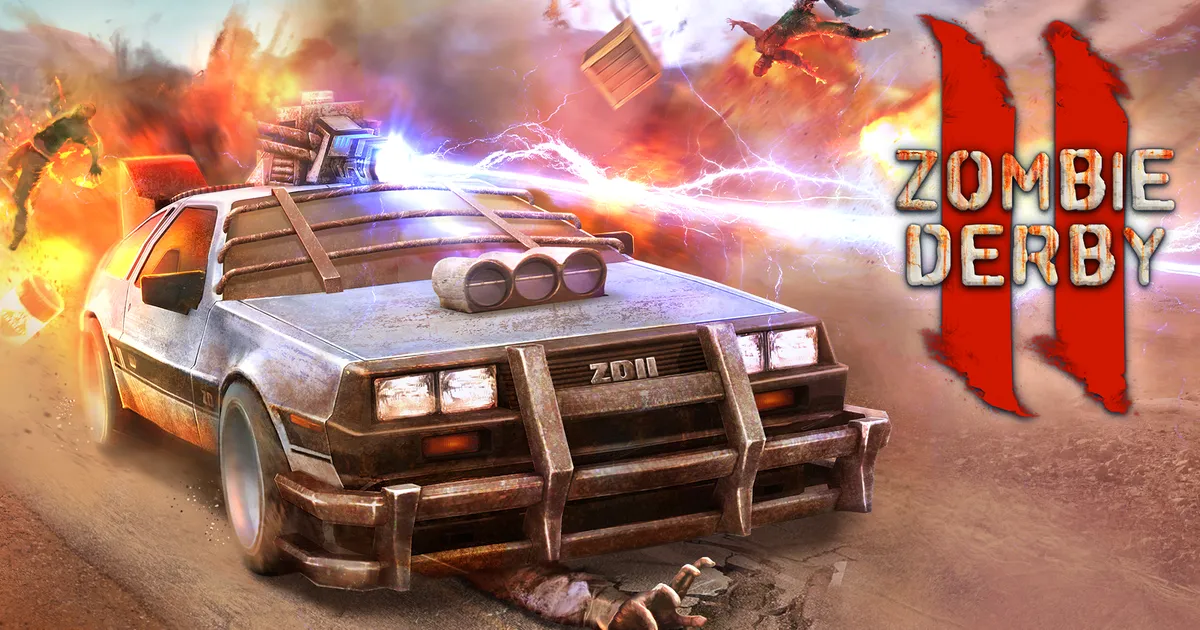
Zombie Derby 2 Highlights
Mode Variety
Campaign routes, Extreme stages, seasonal events, and Survival runs shift objectives between distance, kills, and delivery.
Five Core Upgrades
Invest in engine, armor, weapons, fuel tank, and nitro—balance reach (fuel) with safety (armor) and clear speed (weapons/nitro).
Mounted Guns
Auto-firing weapons chew through hordes; timing shots with explosive canisters clears lanes fast.
Fuel & Ammo Math
Every burst costs fuel and rounds; smooth throttle and smart bursts keep you moving further each run.
Vehicle Choices
Heavier builds crush better and tank hits; lighter rides climb faster but need cleaner driving.