
Orbit Kick
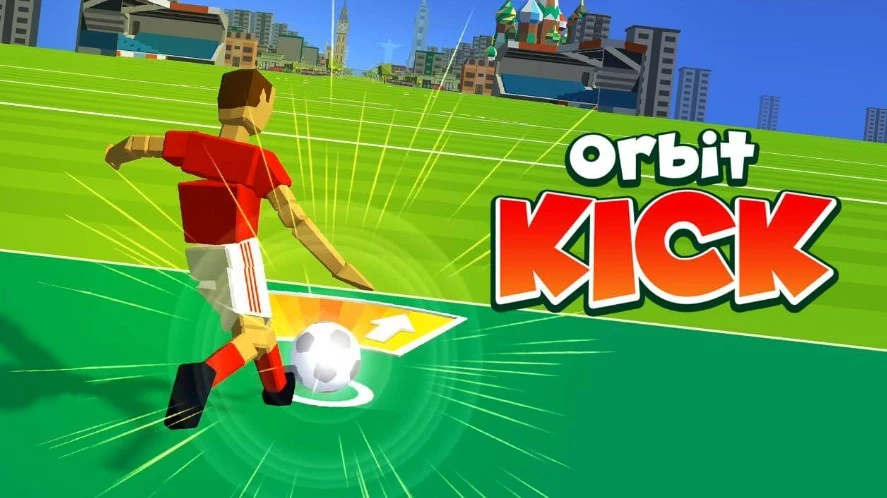
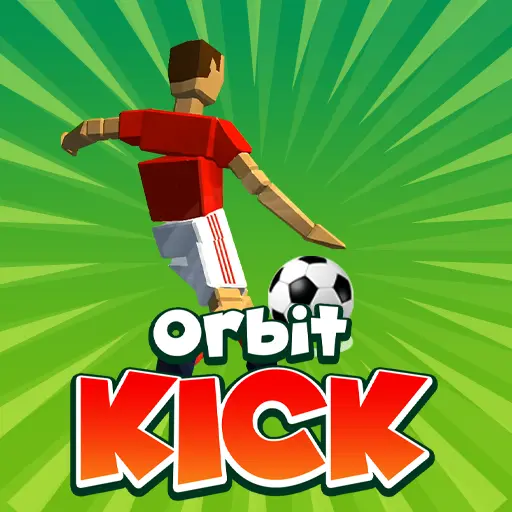
Orbit Kick is a distance launcher: perfect the power bar, angle into bounces, and stack upgrades to fling the ball across cities and space.
- Free to play
- Play in browser
- No download needed
- Mobile & desktop & Tablet
- No sign-up
- Fullscreen
Hot Games
Steal a Brainrot
Survive Lava for Brainrots

Lucky Brainrot Blocks Online

Plants vs Brainrots

Plants vs Brainrots Wiki

Garden Horizons
Find the Brainrot
Car Chaos
Orbit Kick

Italian Brainrot Baby Clicker

Brainrot Mega Parkour

Dress to Impress

Snow Rider
Lucky Brainrot Blocks Online
Run for Brainrots
Speed Escape for Brainrots
Swing Obby for Brainrots
Cut Grass for Brainrots

Goo Goo Gaga Clicker
What is Orbit Kick?
Orbit Kick is a timing-based distance launcher: you lock a perfect power bar, send the ball on a low arc, and use physics bounces on space debris to carry momentum. Boosters layer on top—rockets, bounce pads, and magnets—to extend airtime while you chase distance milestones that unlock new gravity zones and terrain. Coins from each run feed upgrades, so tighter timing and smarter bounce angles convert directly into farther flights and faster unlocks; every attempt is a short loop of timing, bouncing, boosting, and reinvesting.
How to Play Orbit Kick
1) Learn the power bar rhythm; click as the indicator enters the tiniest hot zone. A single mistimed frame can slash distance, so rehearse the cadence first.
2) Launch low and shallow so the first bounce skims forward; high pops kill horizontal speed and momentum and waste early boosters.
3) Grab boosters midair—rockets when speed dips, bounce pads to regain altitude, magnets to pull into coin lines or nets without steering off course; avoid burning two boosters of the same type in a row.
4) Spend coins on Power early for big openers, then balance Bounce and Flight Time so mid-run lift and glide don’t stall. After level 5–10, keep all three close and stop spending right before a milestone to bank for the next zone.
5) Aim for nets/targets only when the arc stays safe; a long clean run beats a short doubled one. Use magnets to secure bonuses instead of risky angle changes.
6) New zones tweak gravity and slopes—burn a couple of test runs to relearn bounce angles before going for records, then commit once you know which surfaces give speed versus lift.
Orbit Kick Highlights
Perfect Power Bar
Stop the meter on the tiny hot zone for maximum launch speed and angle control; rhythm practice beats any early upgrade, so rehearse a few dry taps before real runs.
Booster Stacks
Rocket, bounce, and magnet boosters extend airtime—trigger rockets to recover speed, bounce pads for lift, magnets to reel into bonus lines; don’t overlap the same type back-to-back or you’ll waste lift.
Physics Bounces
Hit asteroids and satellites at shallow angles to carry momentum; flat skims keep speed, steep hits burn altitude. Adjust angles per zone—lighter gravity needs even flatter contacts.
Milestone Unlocks
Distance targets open new zones with different gravity and terrain, forcing you to relearn bounce angles and booster timing; use early runs in a zone as calibration laps.
Upgrade Loop
Invest coins into Power, Bounce, and Flight Time so openers hit harder, midair stays afloat, and late-run glide survives. Pause spending right before big milestones to bank coins for the next zone’s costs.